Your daily work, connected to turf science and AI.
Mowing, watering and fertilising change the pitch. turfcoach brings that work together with measurements, sensor data, weather and usage. AI helps find relationships in the data; agronomic models help explain the processes behind them. Your team’s experience gives that picture context.
One application. A clearer conversation.
The work
Record the fertiliser, amount, treated area and date.
The understanding
The nitrogen model reads those inputs alongside estimated demand.
The conversation
Review later measurements and observations with the people who use the pitch.
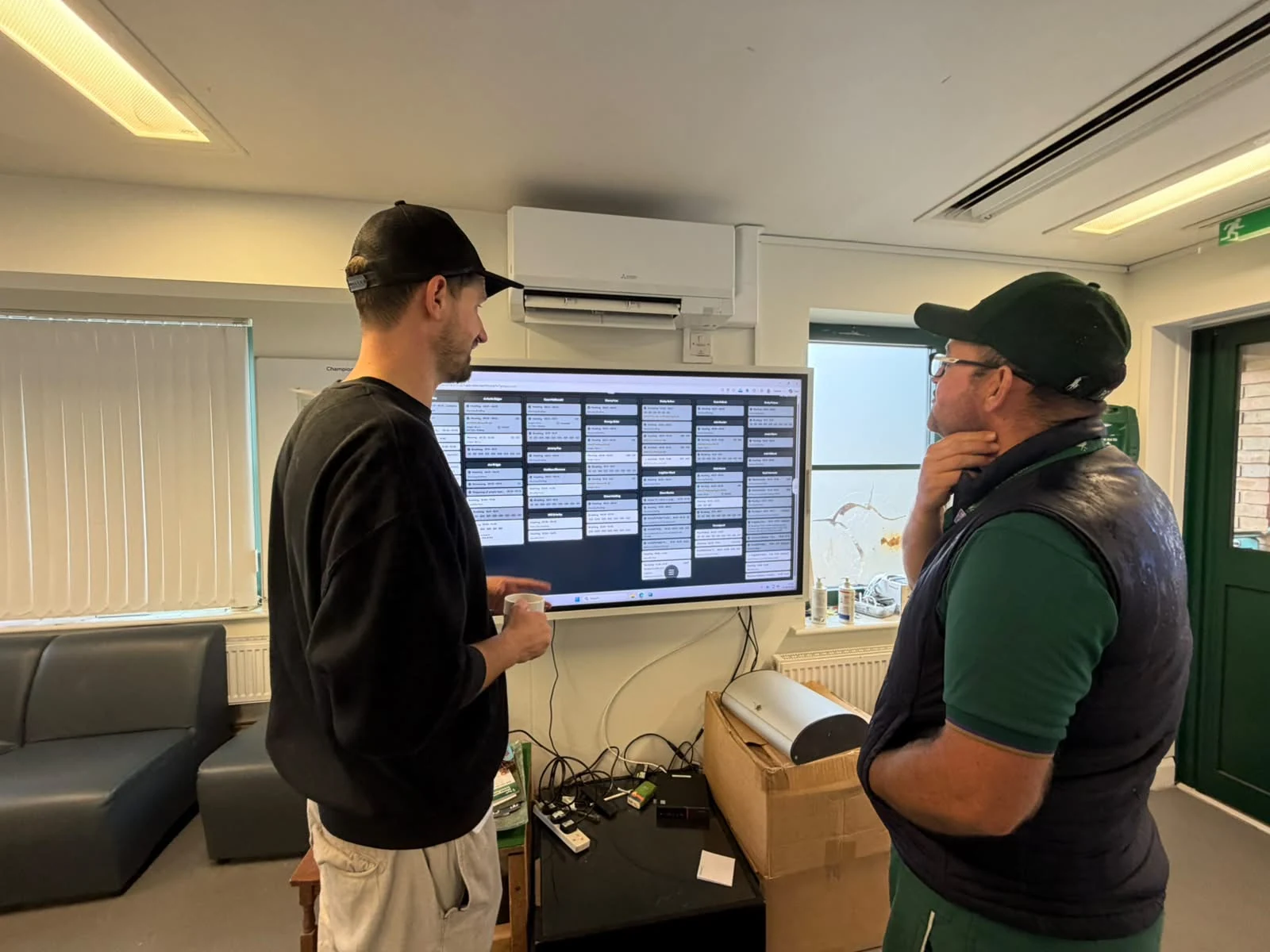
“We manage 12 pitches across 2 sites with a team of 10 to 14 people. At the same time, all teams from Under-12 level upwards, including the women's teams, train at our sites. Our challenge was finding a system that everyone could use. Thanks to the QR codes, even our older members of staff have embraced the digital transition. And I finally have all the data in one place to produce reports and demonstrate what the team gets done throughout the day.”
See more than the surface.
A pitch can look good while conditions are changing underneath it. Bring what you see together with what you measure, and what the models estimate.
The surface
How firm is it? How much grip does it provide? How does the ball roll?
Below the surface
How much moisture is in the rootzone? How is nitrogen availability developing?
What comes next
What do the growing conditions, forecast and planned use mean for your next decision?
Your team knows the pitch. Now the whole club can understand it.
Give coaches, directors and management something they can see and discuss with you. Put the work, the resources it takes and the condition of the pitch in the same conversation.
Know what your pitch is doing.
Explore a pitch question. See which information contributes and how your team can use the estimate in practice.
What goes in
Your applications
Product, amount, area and date.
Growing conditions
Weather and the conditions for growth.
Your observations
How the turf is responding.
Nitrogen balance
What you apply
What the turf needs
Model estimateSchematic, not live pitch data
What you can understand
How is nitrogen availability developing?
Connect recorded inputs with estimated demand. See how the nitrogen balance develops as the pitch grows.
Review the estimate alongside your observations before the next application.
What goes in
Weather
Temperature and changing conditions.
Light and shade
The light reaching your surface.
Your maintenance
Mowing, irrigation and lighting.
Growth potential
Temperature · light · water
Conditions for growth
Model estimateSchematic, not live pitch data
What you can understand
What is influencing growth?
Understand how temperature, light and weather shape growth potential, alongside the work carried out on the pitch.
Put changes in the grass into context when reviewing the work ahead.
What goes in
Weather conditions
The conditions favourable to disease.
Sensor readings
Available data from your pitch.
Your observations
What your team sees on the surface.
Disease conditions
Weather and surface conditions
Where to look more closely
Model estimateSchematic, not live pitch data
What you can understand
When do conditions favour disease?
Recognise periods of increased disease pressure. Read the risk estimate together with observations from your team.
Use the context to guide a closer inspection. A risk estimate is not a diagnosis.
What goes in
Field measurements
Firmness, grip and ball movement.
Pitch usage
Training and match demands.
Conditions and work
Weather, moisture and maintenance.
Surface performance
Hardness · traction · ball roll
Training · matches · recovery
Measurements & model contextSchematic, not live pitch data
What you can understand
How is the surface expected to play?
Bring measurements, conditions and usage together to understand playing performance beyond the way the pitch looks.
Give the grounds team and coaching staff a clearer basis for the conversation.
Can turfcoach do that?
The practical questions, answered.
Can I plan and track my team’s work?
Yes. Schedule activities and recurring work against your pitches, assign the people involved and see whether work is scheduled, ongoing or done. The crew can scan a machine, check the details and tap Start in the mobile app.
Can I document observations directly on the pitch?
Yes. Record what you see with a photo and its pitch location. Keep observations together, with urgency and status, so the team can return to the issue and follow it through.
Can I record all of my pitch measurements?
Bring measurements such as hardness, soil moisture, traction and ball roll into the pitch record, with their location and history. We’ll check any specialist measurements you use during a demo.
Can I connect the measurement tools I already use?
turfcoach connects with tools and platforms including POGO, Stogger and Innoquest. Tell us which devices and systems you use so we can confirm the available connection and data. See the integrations →
Can I track working hours?
Yes. Review planned and actual working hours alongside activities, breaks and absences. Working-time reports give the team a shared record across the month.
Can my team report machine problems?
Yes. The crew can flag equipment issues and keep them connected to the machine, so the people responsible have the information to follow up.
Can I see live data from my pitches?
Connected sensors and weather sources bring current conditions into turfcoach. Which readings are available, and how often they update, depends on the equipment and connection at your site.
Can turfcoach integrate player GPS data?
Player GPS data can add context to pitch usage. Catapult is among the supported integrations. We’ll confirm the data available from your setup and how it can be used alongside your pitch information.
Bring the people. Bring the questions.
Explore turfcoach with the grounds team and the people involved in the decision. Start with what your club needs to understand.
We use cookieless analytics to understand how this website is used. Browser storage remembers this notice, your chosen language and which animations you’ve seen.