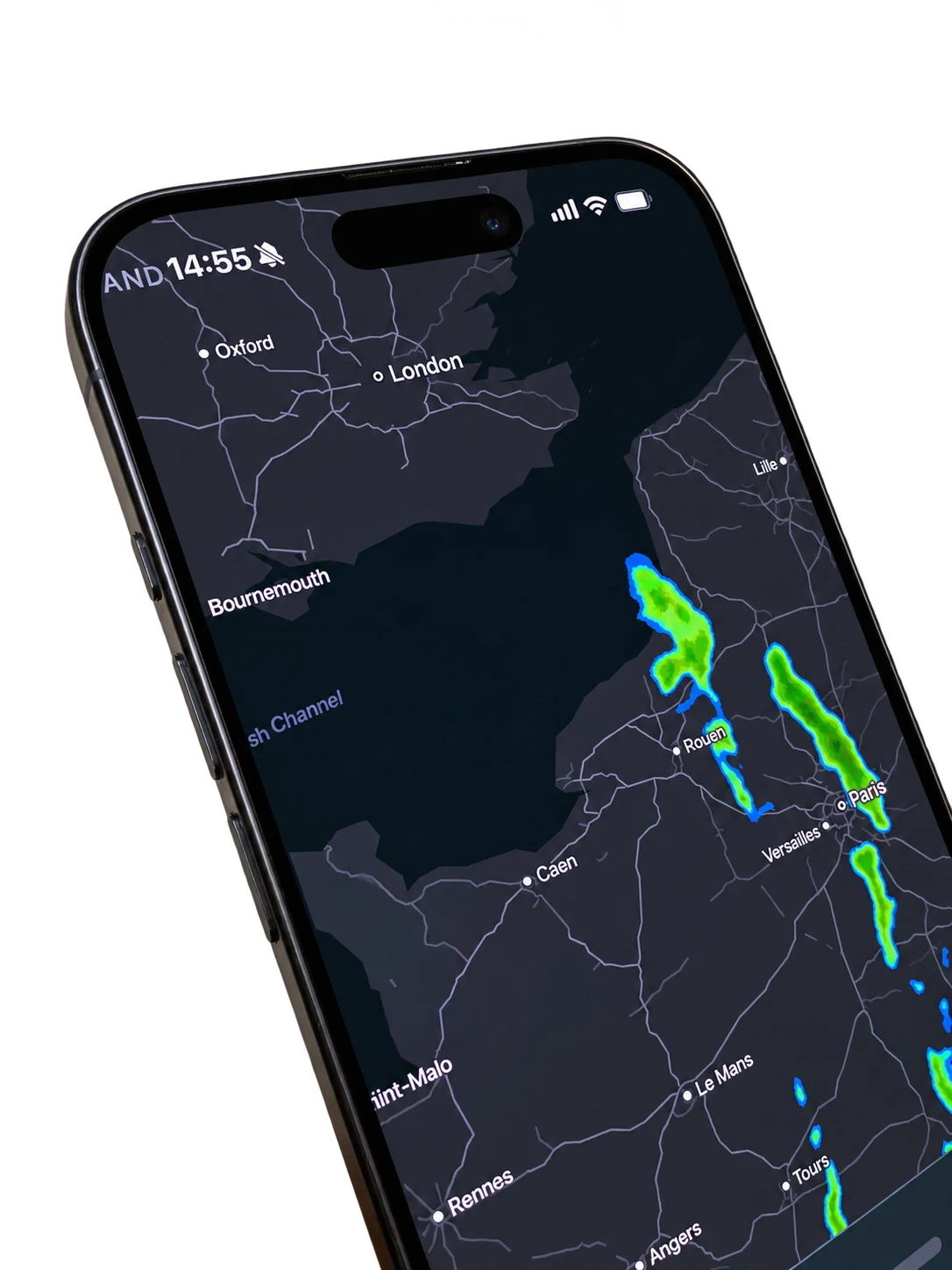
Rain radar.
Right on Home.
See where the rain is heading without leaving the app. A quick check before deciding what to do next.

Take turfcoach onto the pitch. From the day’s activities to measurements, reports and observations, your team’s information is right there with you.
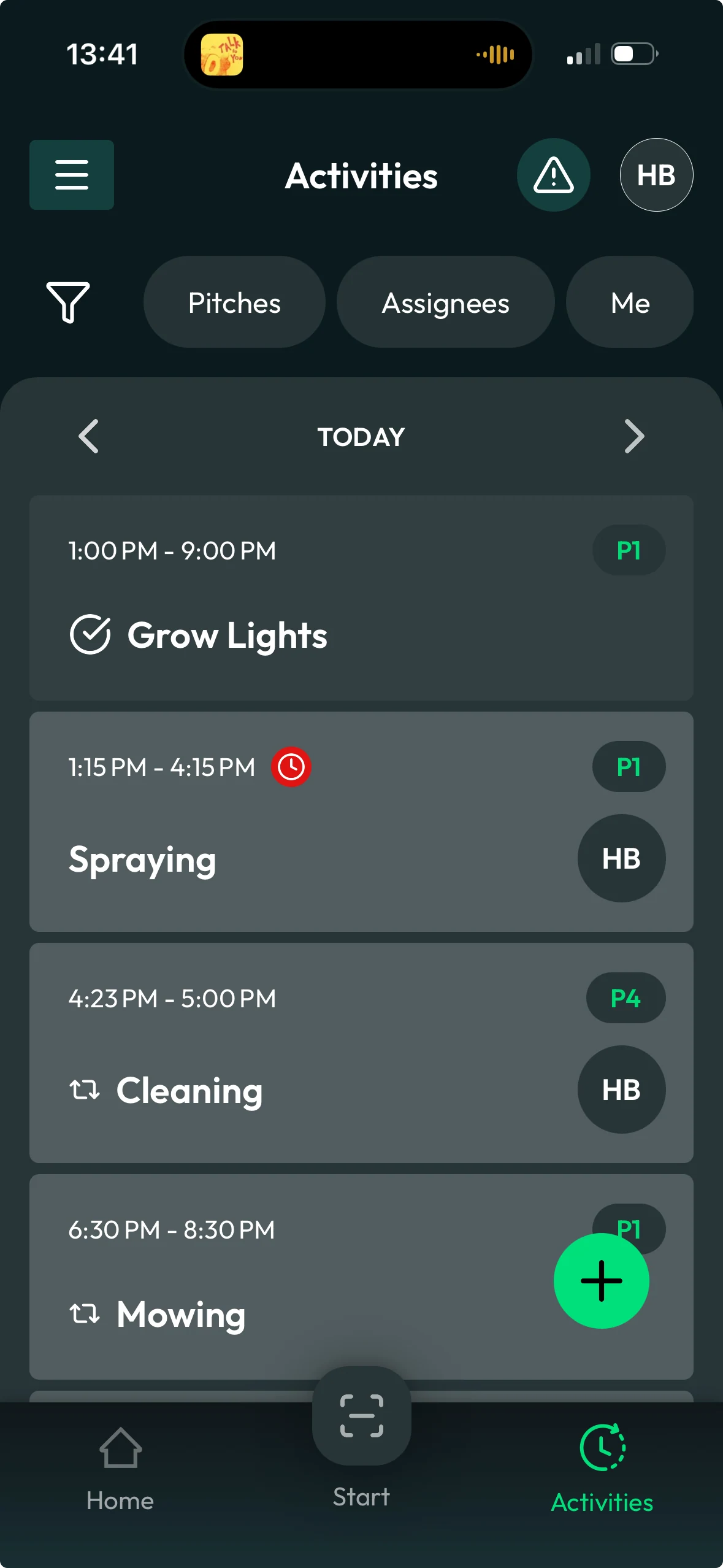
See what’s planned, start the work where it happens and keep the team’s view of the day together.
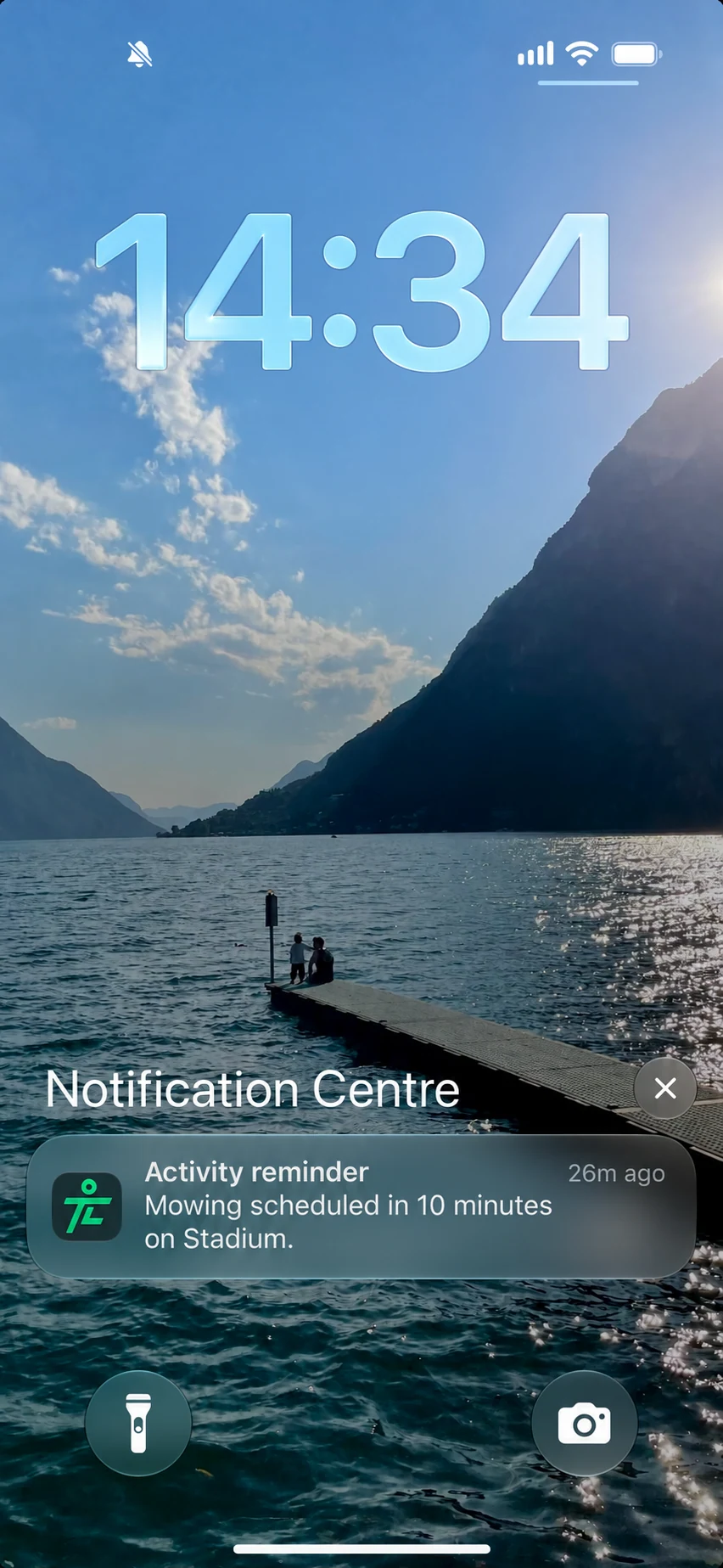
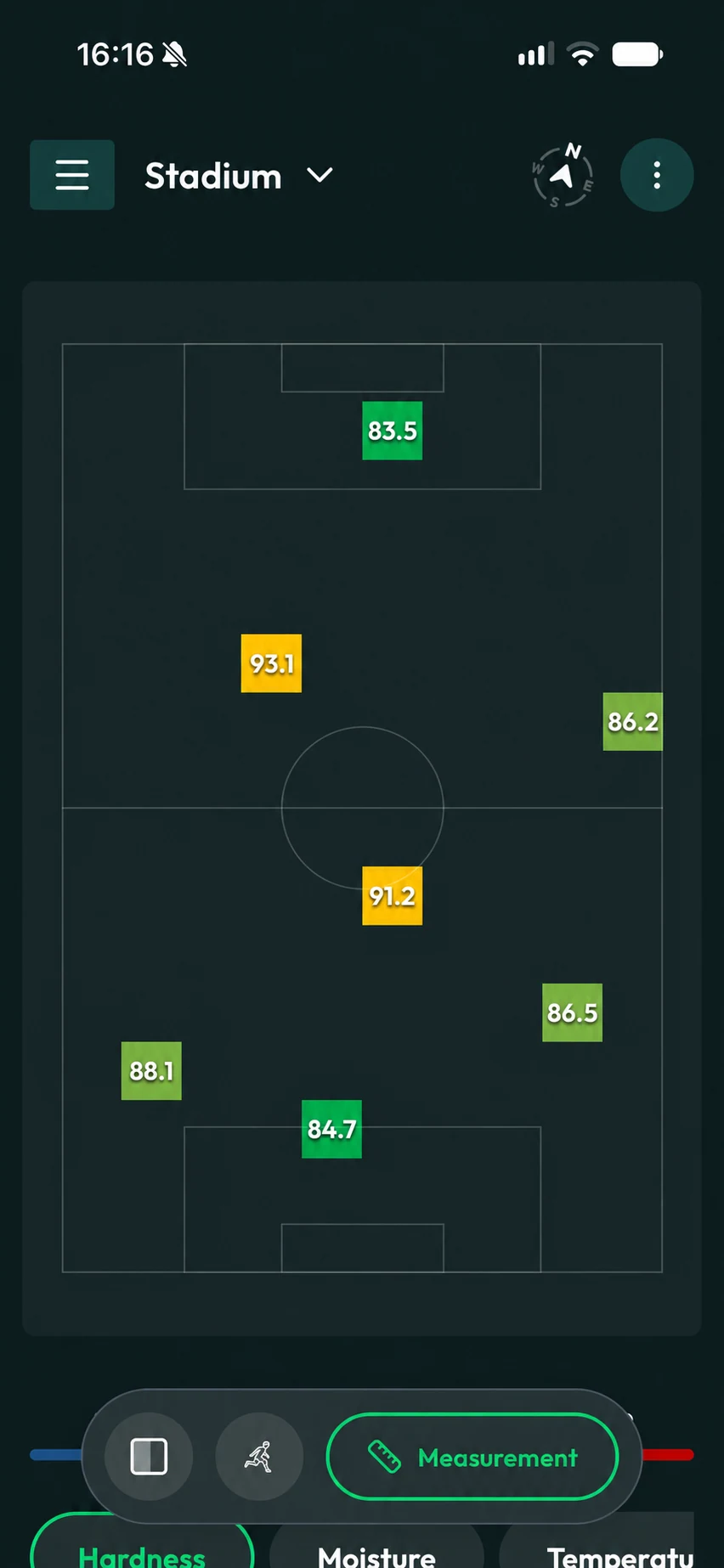
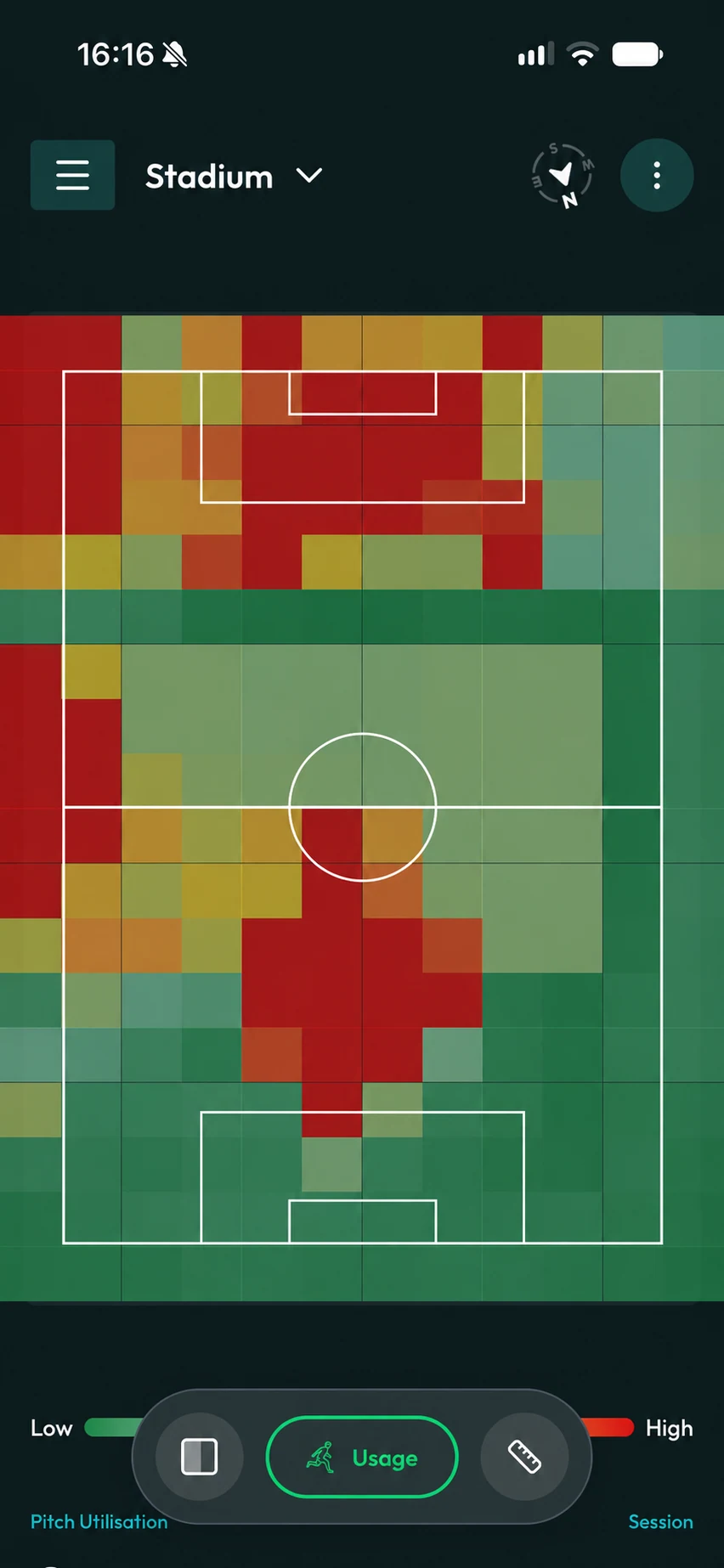
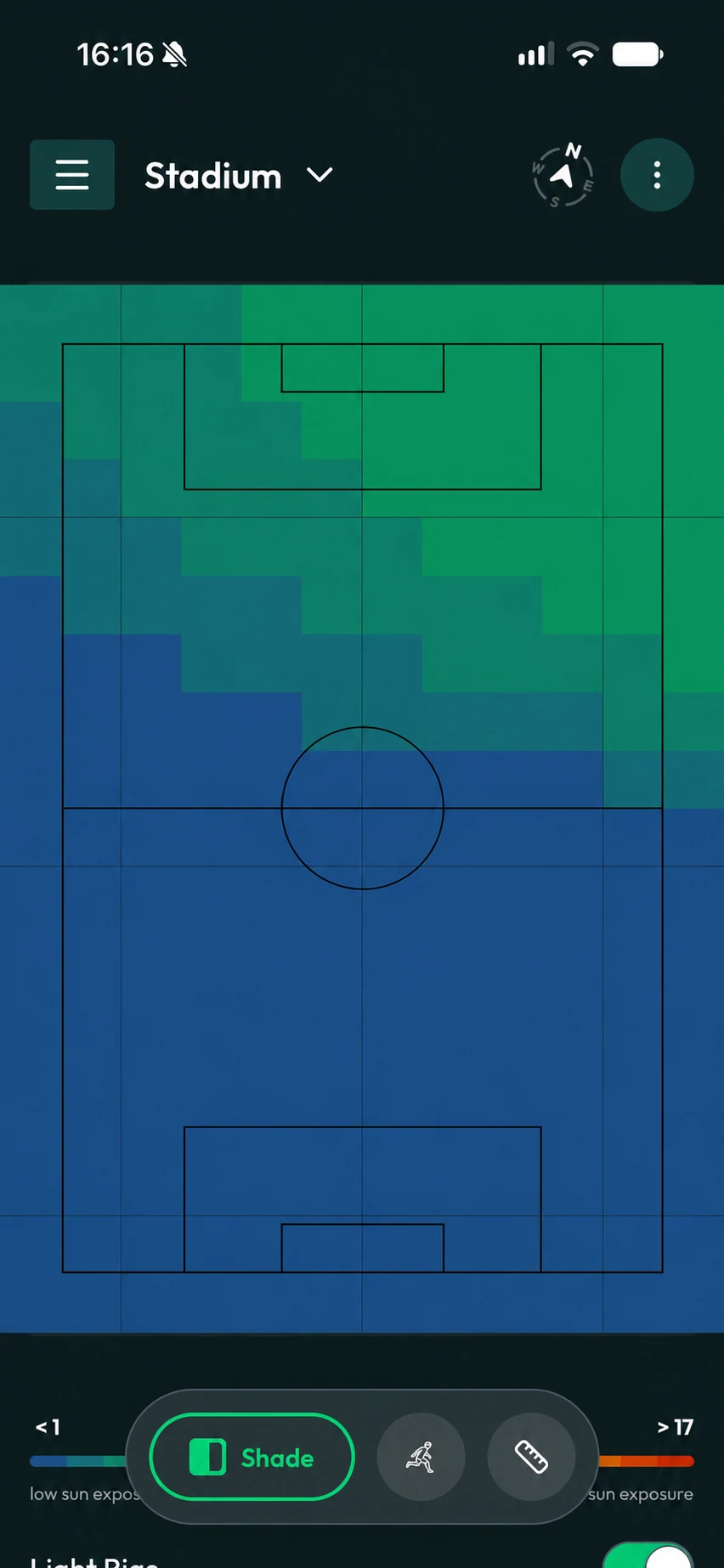
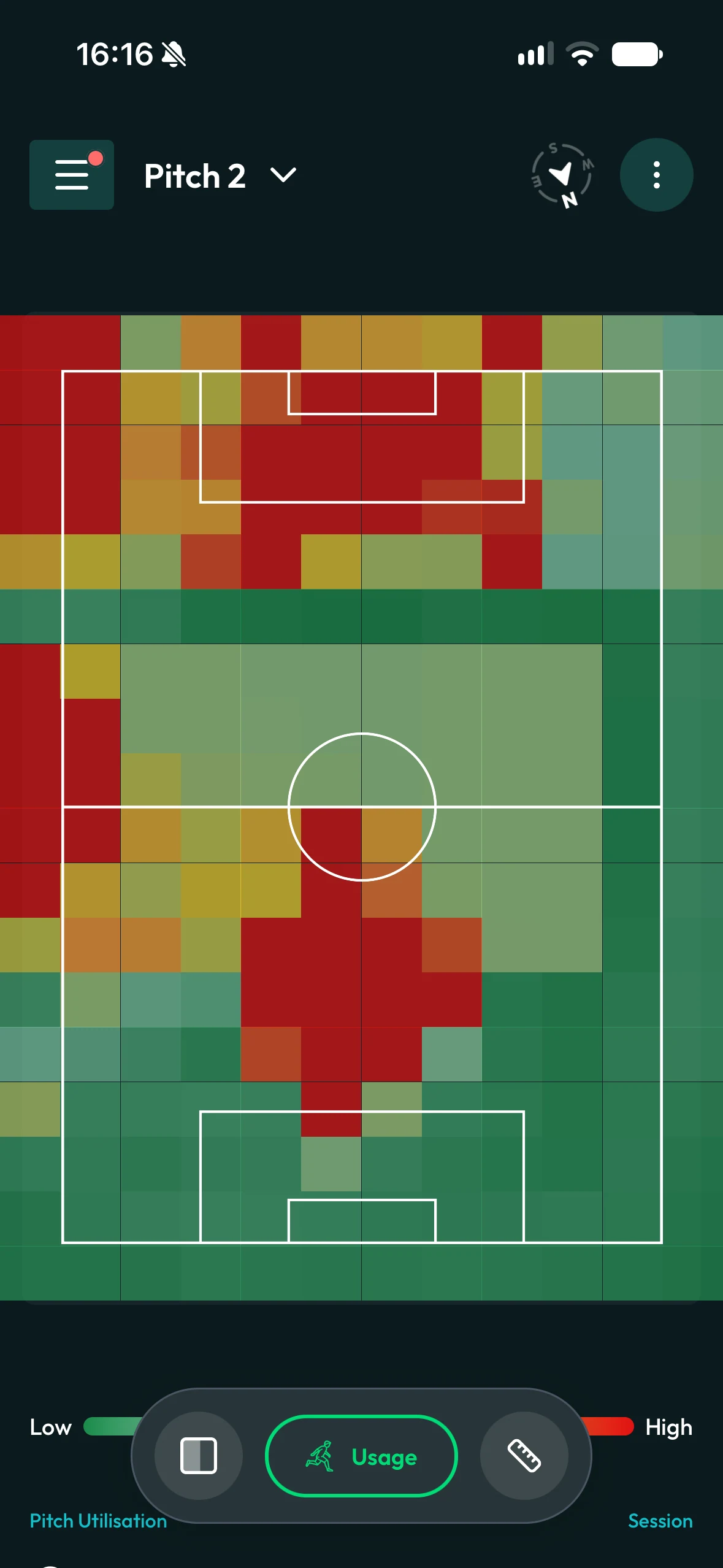
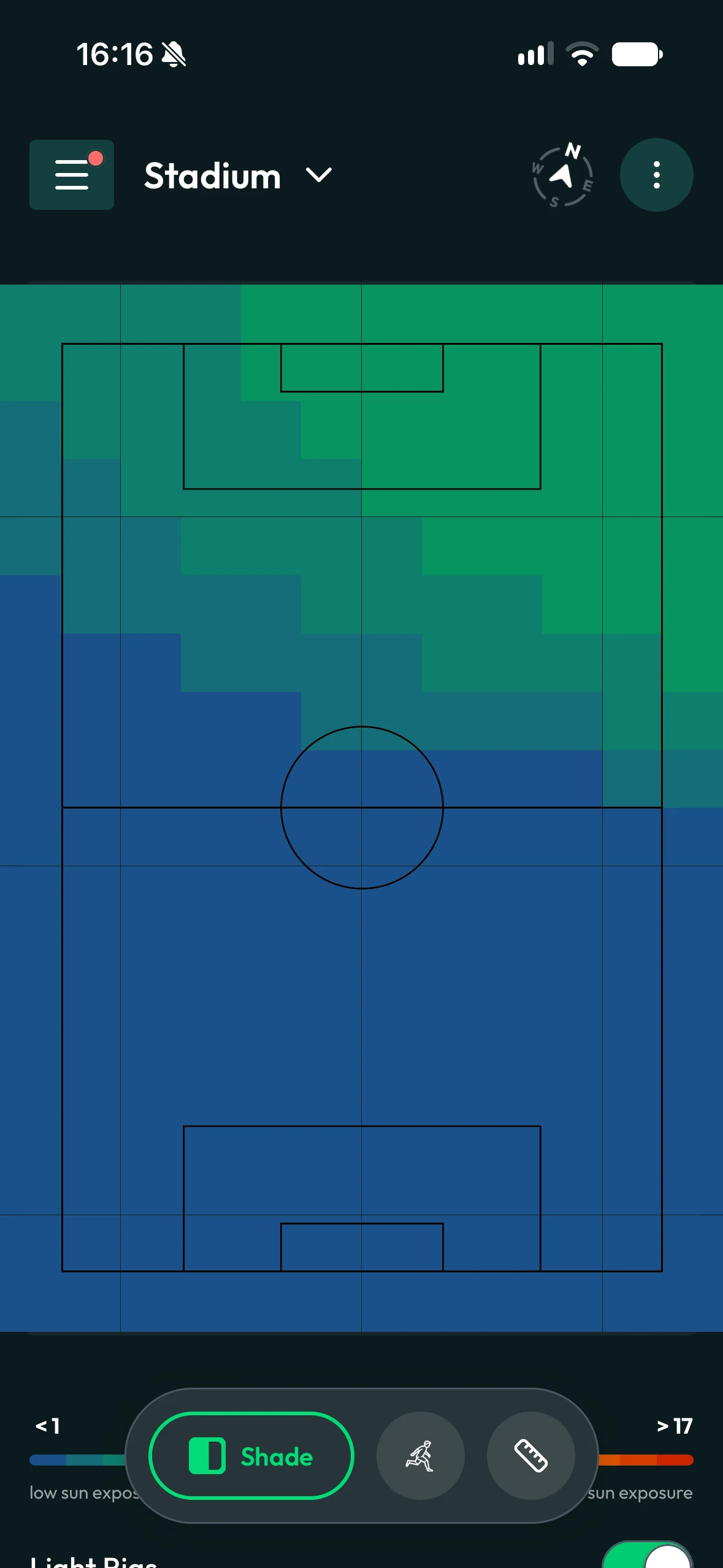
Standing on the surface, you should have the information to understand it. Open any pitch to check its measurements, see usage and shade across the surface, or look back through its history.
The mobile app is part of turfcoach. The same pitch information that supports the conversation in the office comes with you onto the grass.
Explore the whole product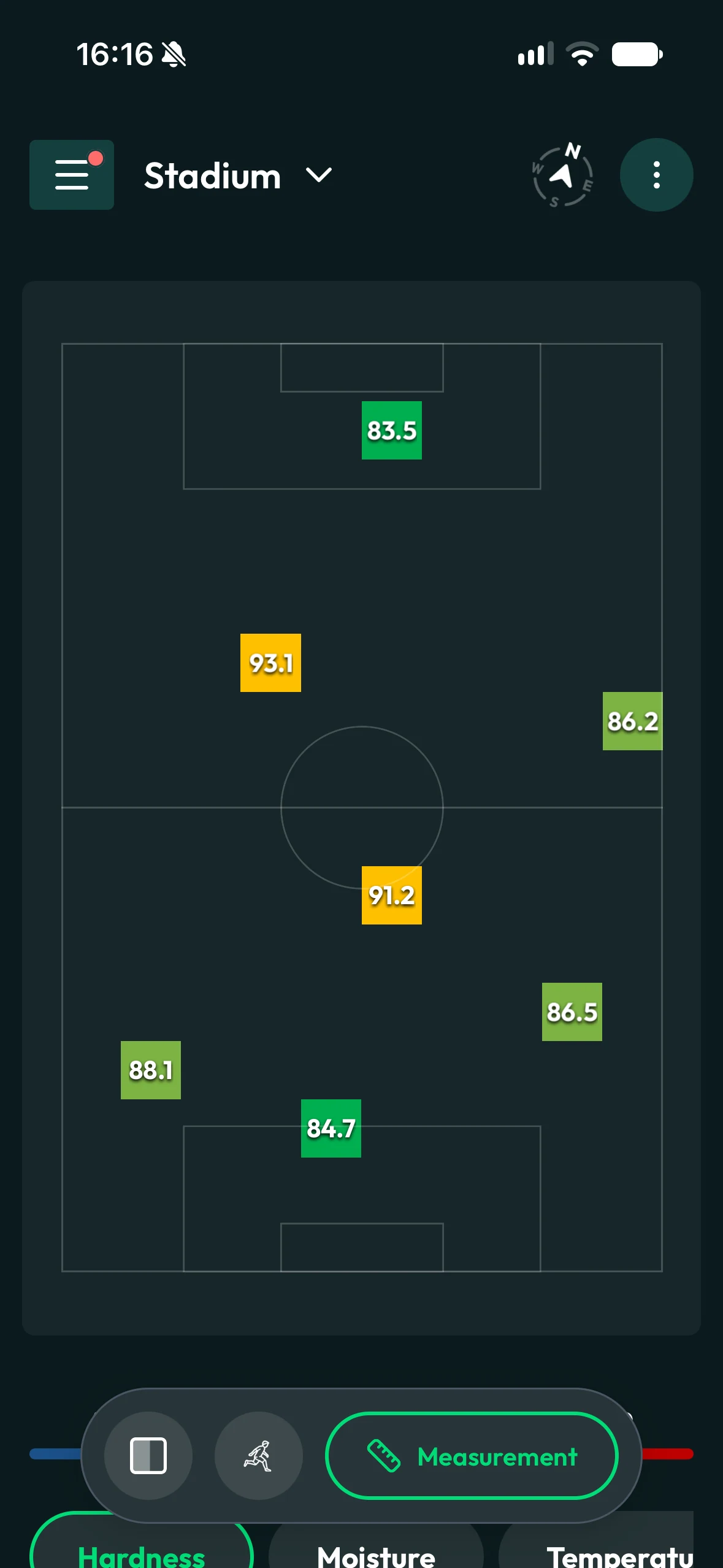
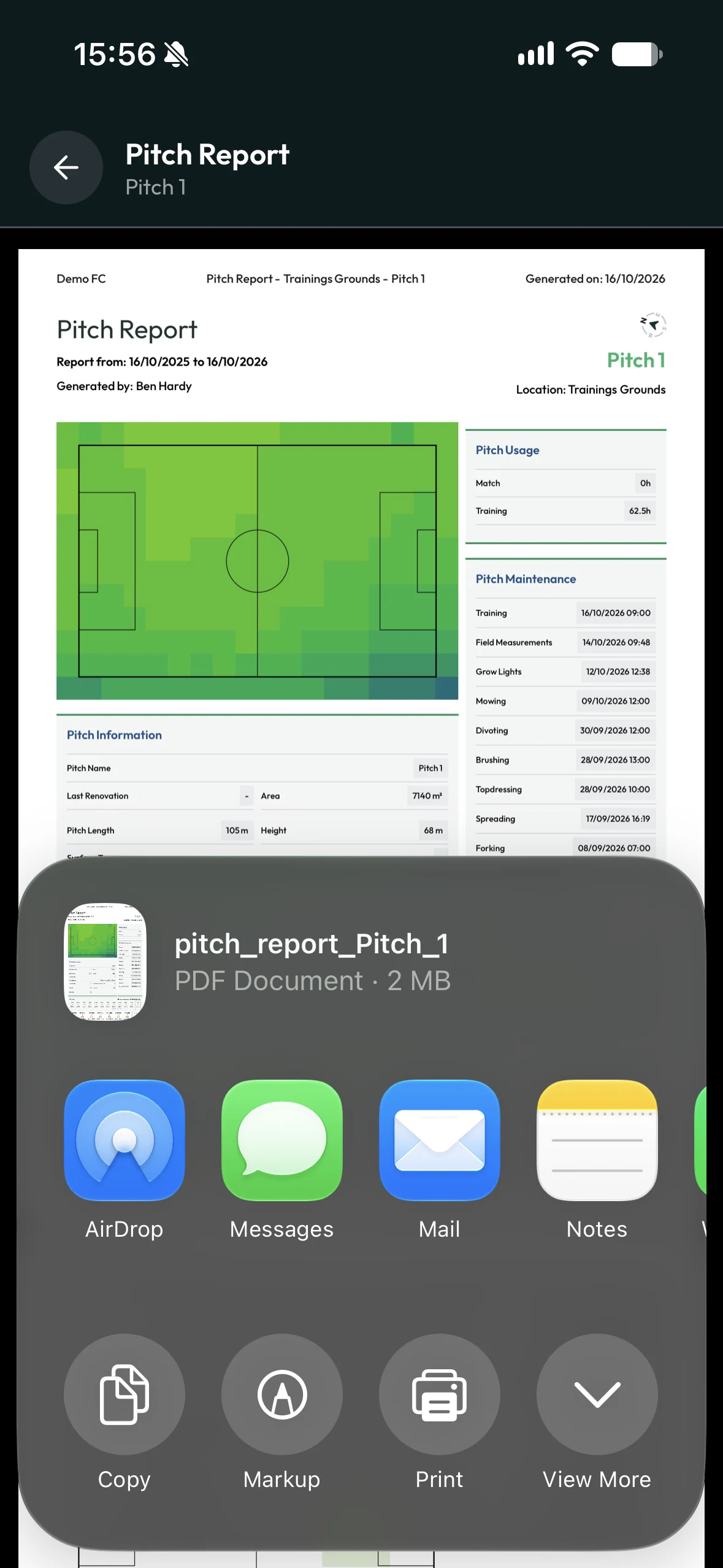
Open a pitch report where you are and share the PDF straight from your phone. Send it to a colleague by message or email, or use the other sharing options on your device.
“I manage several training pitches and the stadium. Our arena is multi-purpose, which means we have several turf replacements throughout the year.
Data and reports play a crucial role in my communication with our stadium manager and sporting director. I use this to make the case for increased investment in my department.
It also removes the emotional element and ensures that everyone receives the objective support they need without being unfairly blamed.”
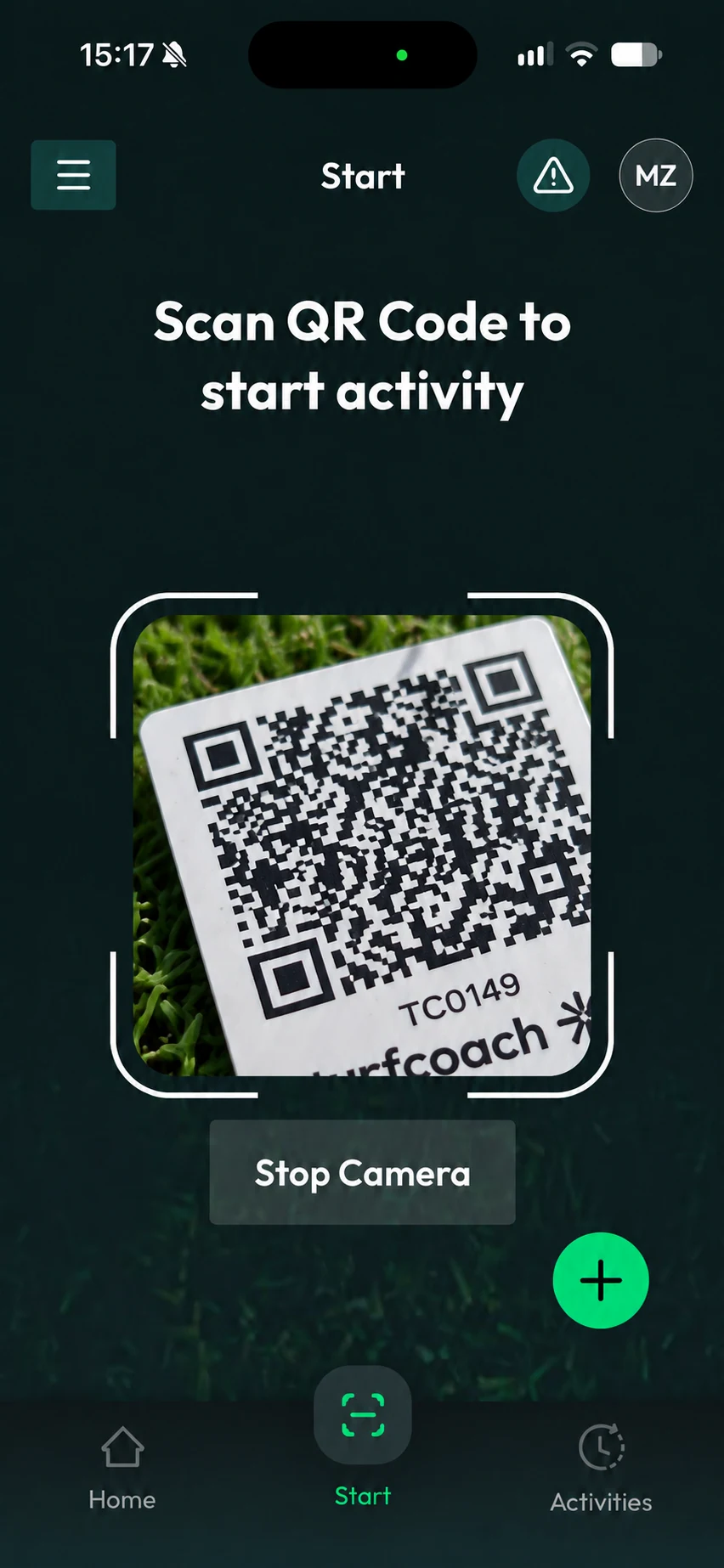
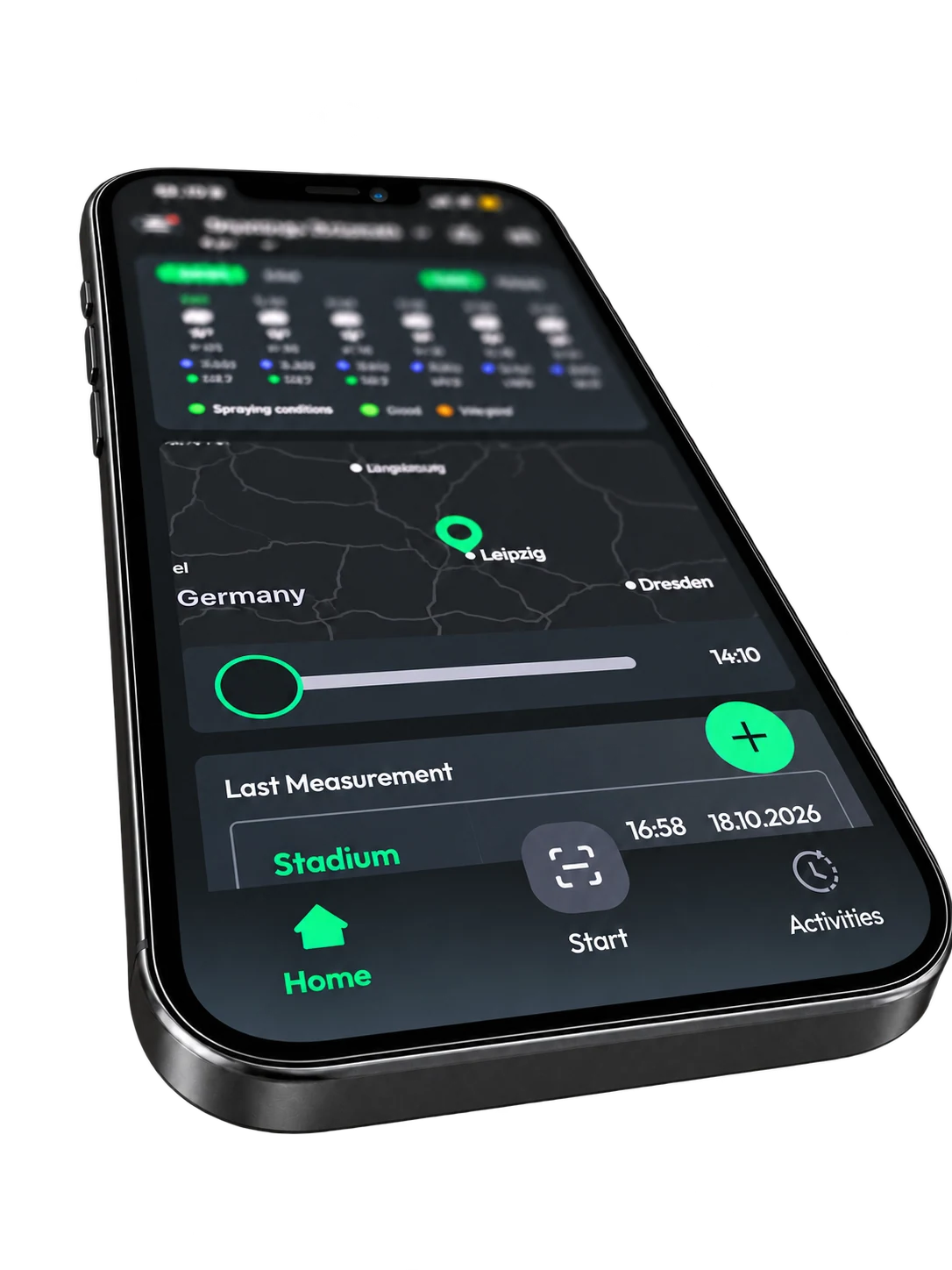
Home, Start and Activities stay close at hand. The green + button is always visible, so creating a new activity is just one tap away. Check what you need, start the next job and get back to the pitch.
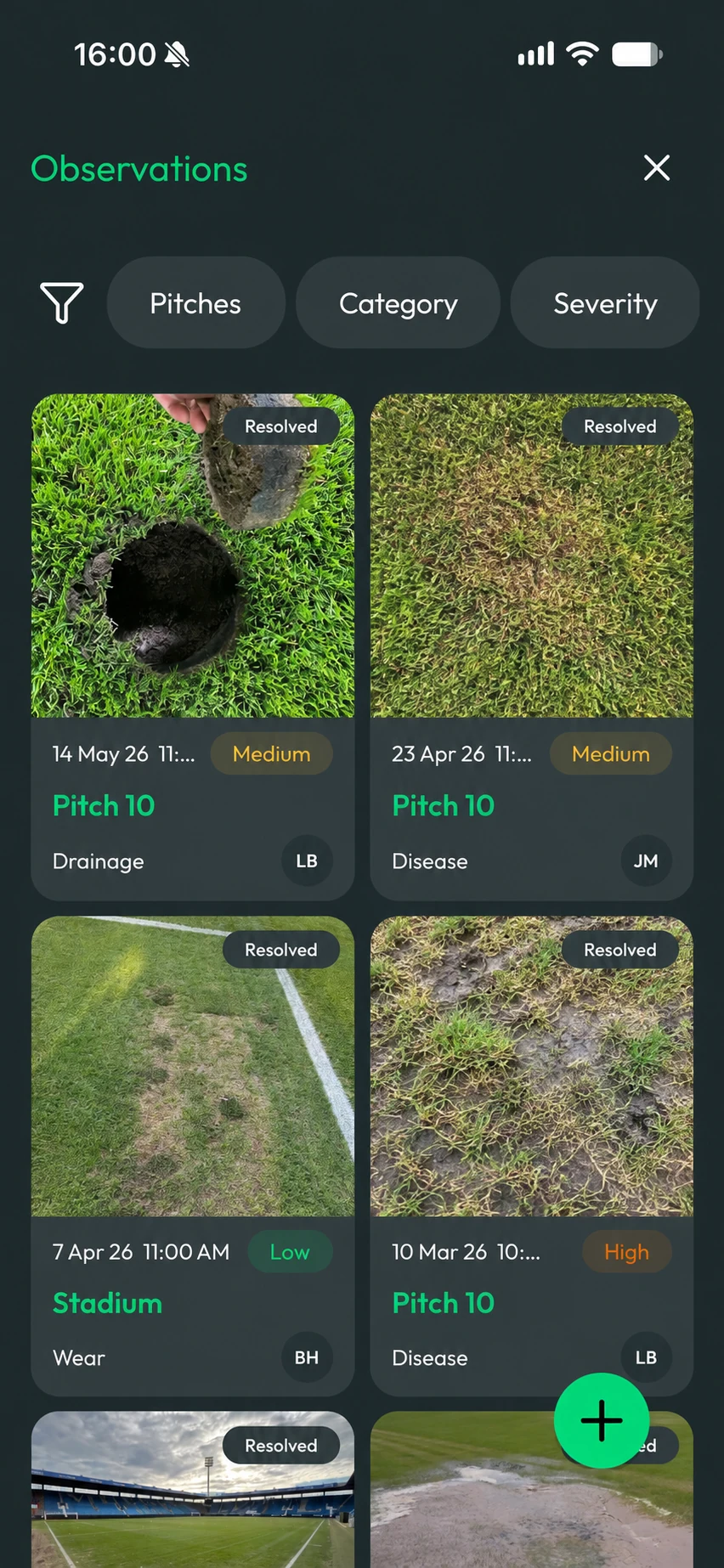
A worn patch. A change in the grass. Something the team should take a closer look at. Capture an observation while you’re there, with a photo and its location.
Keep observations together in their own view, so the next conversation starts with what was seen and where it was found.
Useful information for the decisions you make throughout the day, available where the work happens.
See where the rain is heading without leaving the app. A quick check before deciding what to do next.
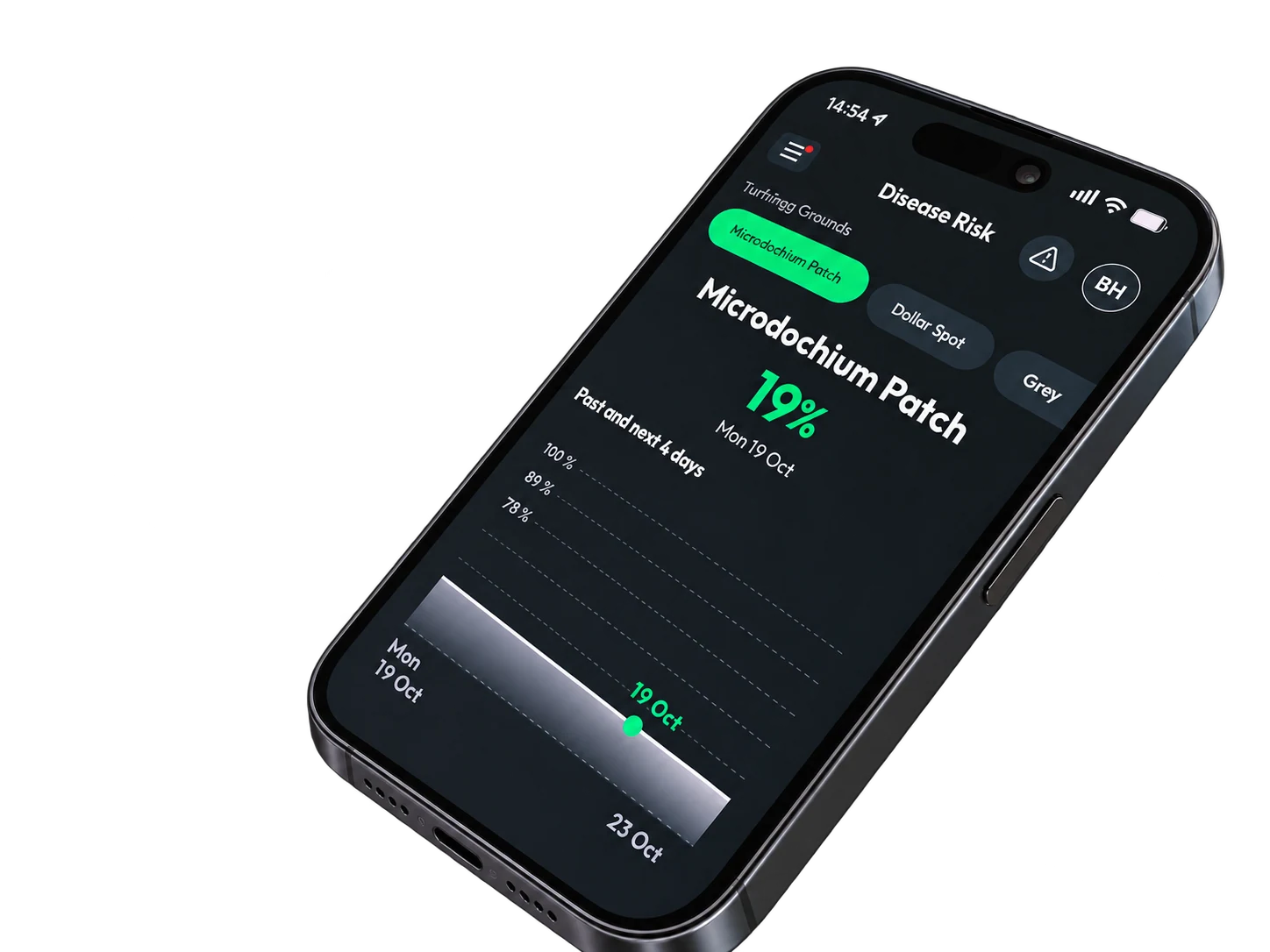
Check disease risk information alongside what you see on the ground, and decide where to take a closer look.
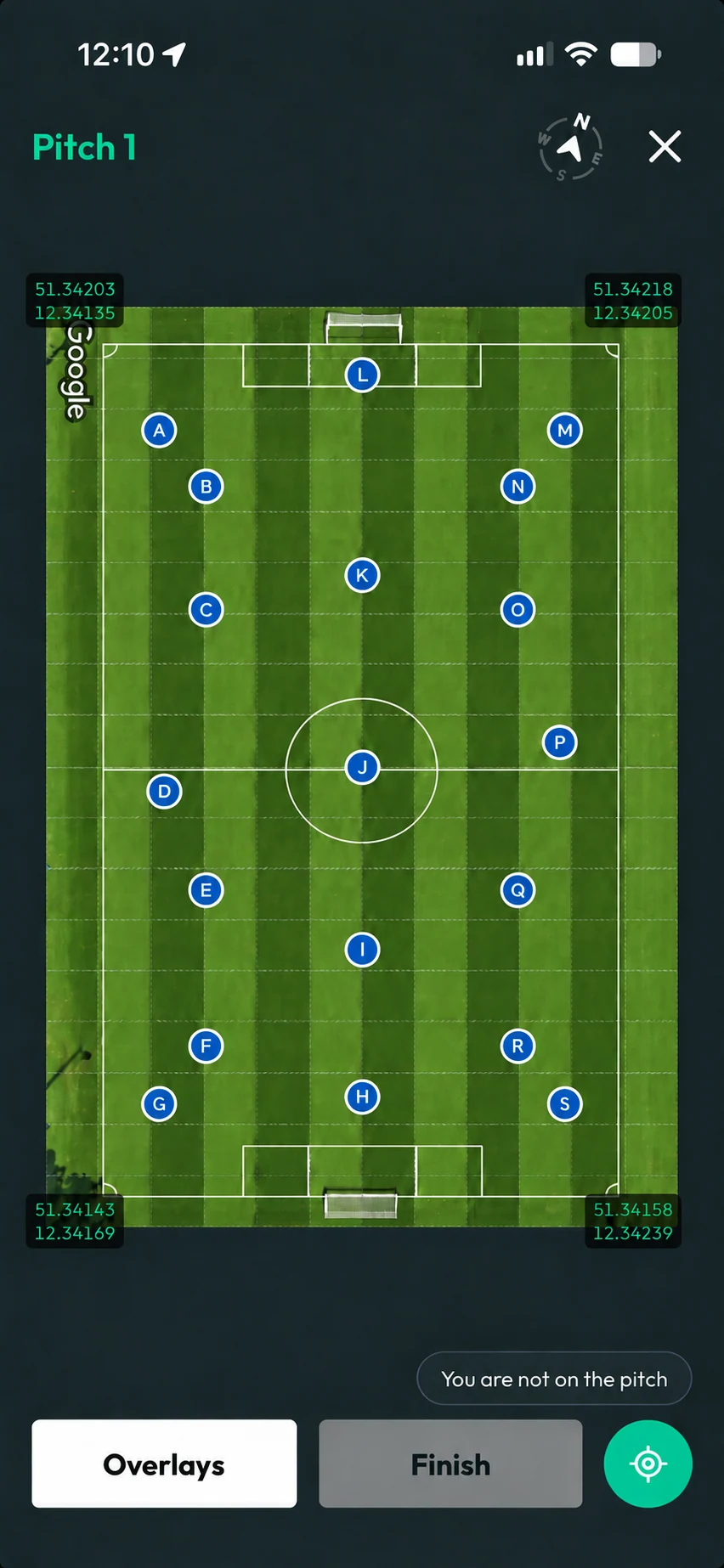
GPS adds context to the work and the records your team creates.
With GPS enabled, turfcoach can identify the pitch when you start an activity. Otherwise, select it with one additional tap.
See how the mobile app and dashboard work together for your team.